
Redeeming Rewards
In Mellow Market, all rewards are custom company perks and swag manually fulfilled and managed by workspace admins or designated fulfillment admins.
How Members Claim a Perk
Section titled “How Members Claim a Perk”- Log into the Mellowe Dashboard and navigate to Market > All Perks.
- Browse the available catalog items and select a perk you have enough mangos/points to afford.
- Click Redeem.
- Confirm your redemption request. Your points will be deducted from your wallet balance, and the claim will appear under your My Redemptions tab.
Admin Fulfillment Process
Section titled “Admin Fulfillment Process”Because all Mellow Market rewards are company-specific perks (such as Time Off, Swag Apparel, or Preferred Parking), every redemption is manually processed by admins:
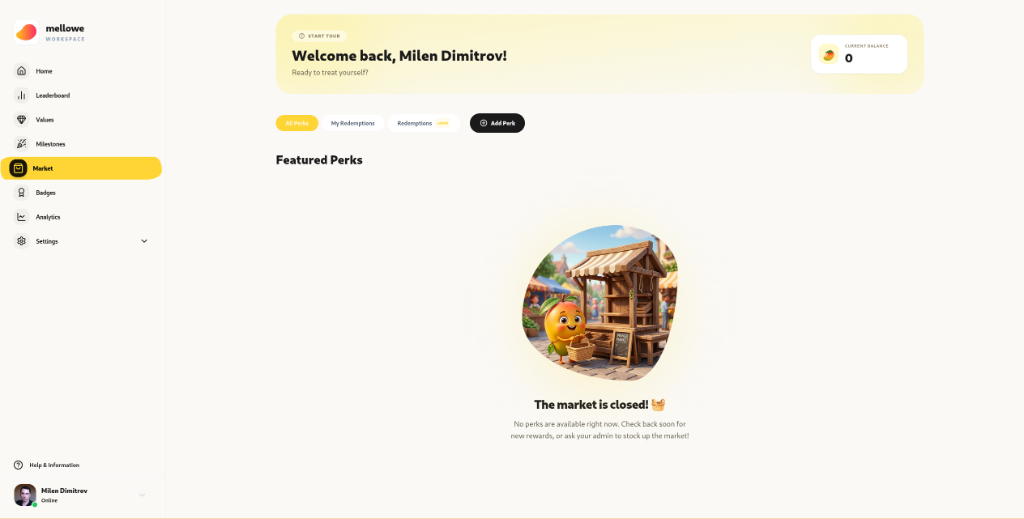
- Workspace admins or fulfillment admins log into the Mellowe Dashboard and click Market > Redemptions (ADMIN).
- Review pending member redemption requests:
- Member Name: The employee who claimed the reward.
- Perk Claimed: The specific perk or swag item requested.
- Date & Point Cost: Points deducted from the member’s wallet.
- Once the perk is delivered or approved, click Mark as Fulfilled.
- The status updates in the member’s My Redemptions tab.